Posted by NullTrace on 7-29-25
[Framerate Extraction Protocol] Max FPS in Escape from Tarkov – Budget Build Edition
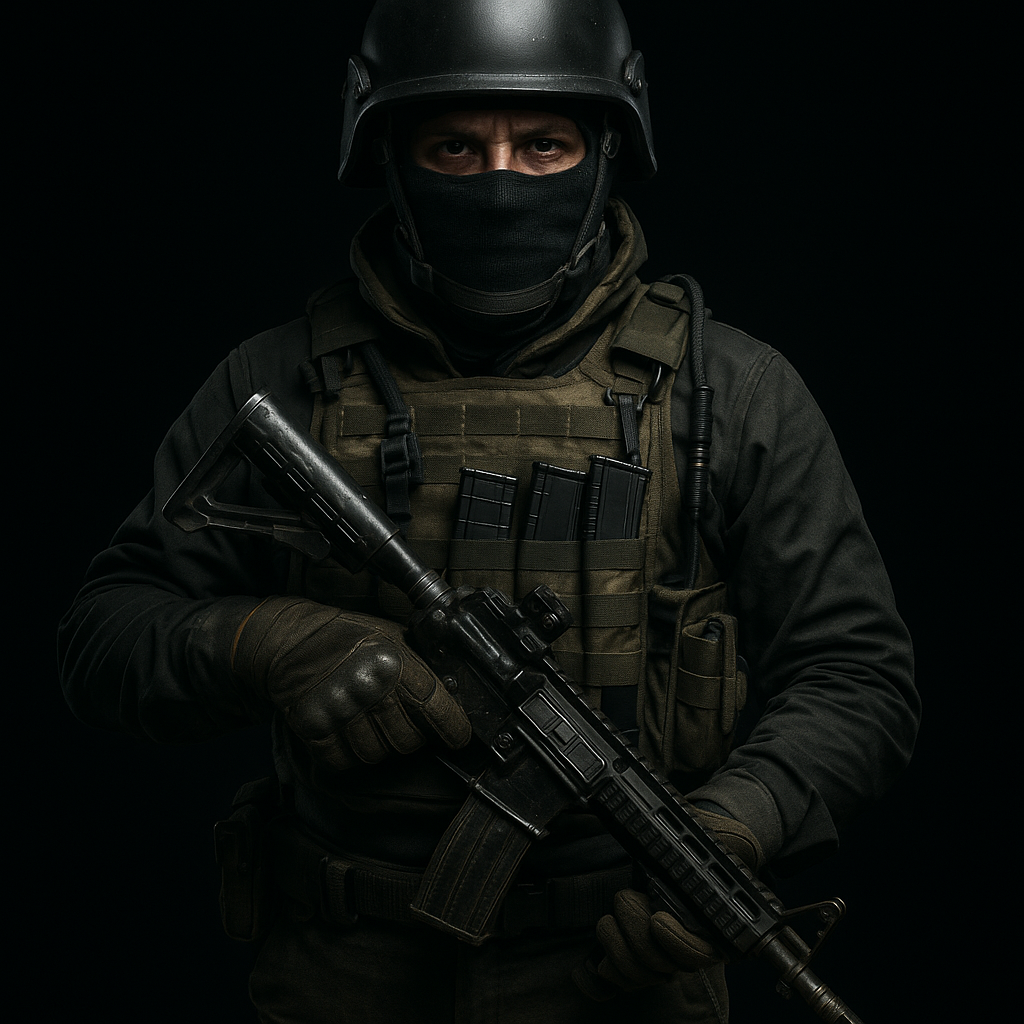
This guide is informational only. Wire8x is not liable for crashes, instability, or damage from modified settings.
Introduction: Tarkov isn't friendly to underpowered rigs, but we found the tweaks that matter. If you're running older hardware, this is your survival manual for frame rate stability. Forget shadows. Forget realism. This is about visibility, consistency, and raw performance.
🛠️ Game Settings
- Screen Mode: Fullscreen (not borderless)
- Resolution: Native or 1080p (whichever is lower)
- V-Sync: Off
- Texture Quality: Medium (unless you have under 4 GB VRAM)
- Shadows: Off or Low
- SSAA: Off
- Anisotropic Filtering: Off
- PostFX: Off
- HBAO: Off
- Z-Blur: Off
Disable unnecessary visual flair. PostFX and HBAO can tank performance on low-end GPUs. Texture settings only slightly impact FPS but help with clarity—test what works.
🖖 Windows Optimizations
- Enable Game Mode under Windows Settings
- Disable overlays: GeForce Experience, Xbox Game Bar, Steam
- Set Tarkov's .exe to High Priority via Task Manager
- Disable unnecessary startup programs
- Set power plan to High Performance
Simple, effective, and free. These OS-level tweaks help remove stutters and bottlenecks that aren’t GPU-related.
🚀 NVIDIA Software Optimizations
- Install the latest Game Ready Driver via GeForce Experience
- In NVIDIA Control Panel:
- Power Management Mode → Prefer Maximum Performance
- Low Latency Mode → On
- Texture Filtering - Quality → High Performance
- Vertical Sync → Off
- Threaded Optimization → On
- Disable GeForce in-game overlay (via settings)
Driver updates and proper NVIDIA settings can stabilize performance more than a hardware swap. Don’t overlook them.
📀 Swap & Storage
- Set a custom pagefile (8192 MB recommended if under 16 GB RAM)
- Install Tarkov on an SSD for faster loading and fewer hitches
- We recommend the Crucial P3 Plus 1 TB NVMe SSD as a reliable budget pick
This is one of the best under-$80 upgrades you can make. Install times drop. Maps load faster. And you're not dead on spawn.
🎯 In-Game Console Tweaks
- fps 1 – Show your frame rate in-game
- net_stat 1 – Display ping and packet info
Use these for live diagnostics mid-raid. Know what’s spiking—and when.
🤮 Final Loadout Advice
- Avoid heavy RAM usage apps (Chrome, Discord screen share)
- Use wired peripherals—less latency, fewer hiccups
- Close RGB software—Corsair iCUE, SteelSeries Engine, etc.
This isn't about pretty lights. It's about seeing first and shooting first. If you're running Tarkov on budget silicon, every watt counts.
Need a new keyboard? We reviewed the Apex Pro TKL and paired it with elite FPS gear. Worth a look if you're optimizing your full setup.